
Microsoft Word
Microsoft Word is Microsoft's word processor and part of Microsoft 365. This page explains who it suits and how to get it on Windows.
289.2 MB

IBM SPSS Statistics is a commercial statistical package from IBM for data analysis in research, education and business.
Average 0.0 · ratings: 0
Thank you! Your rating is saved; you can change it. Could not save the rating. Please try again later. Too many ratings from your network today. Please try again tomorrow. The average appears after 5 ratings.
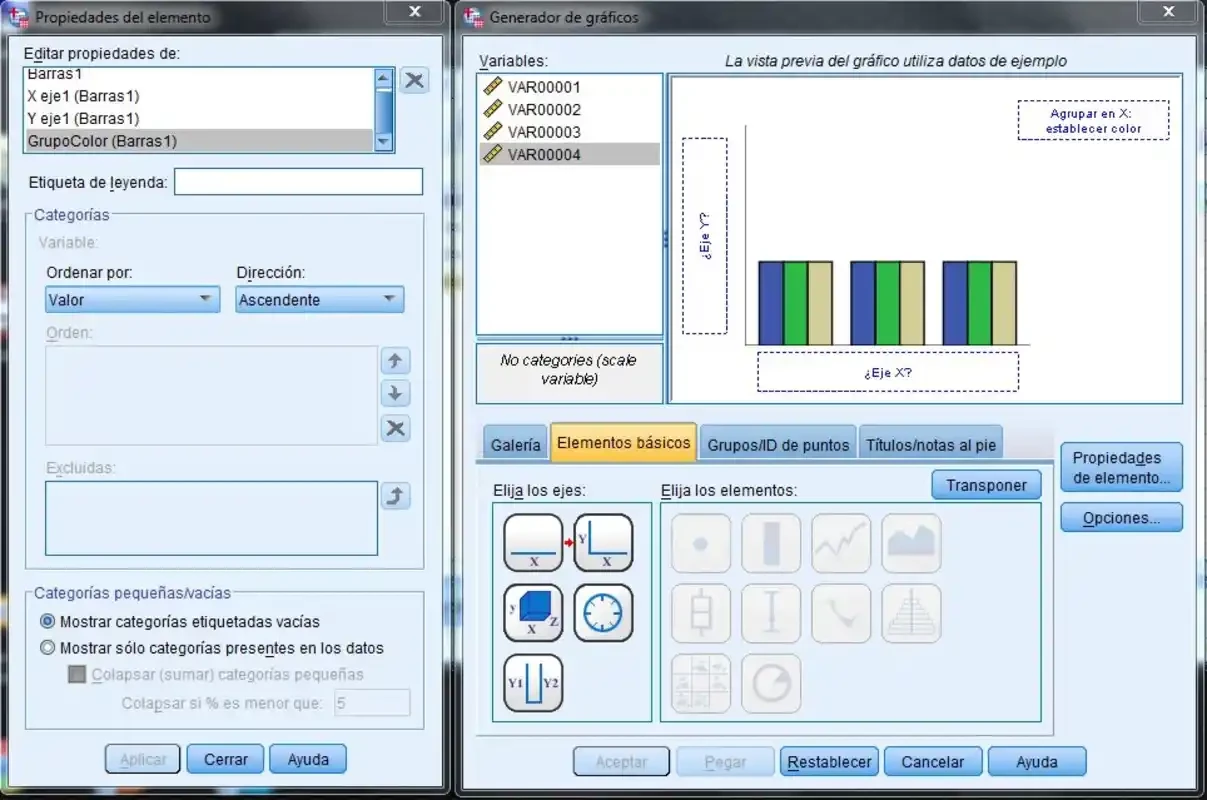
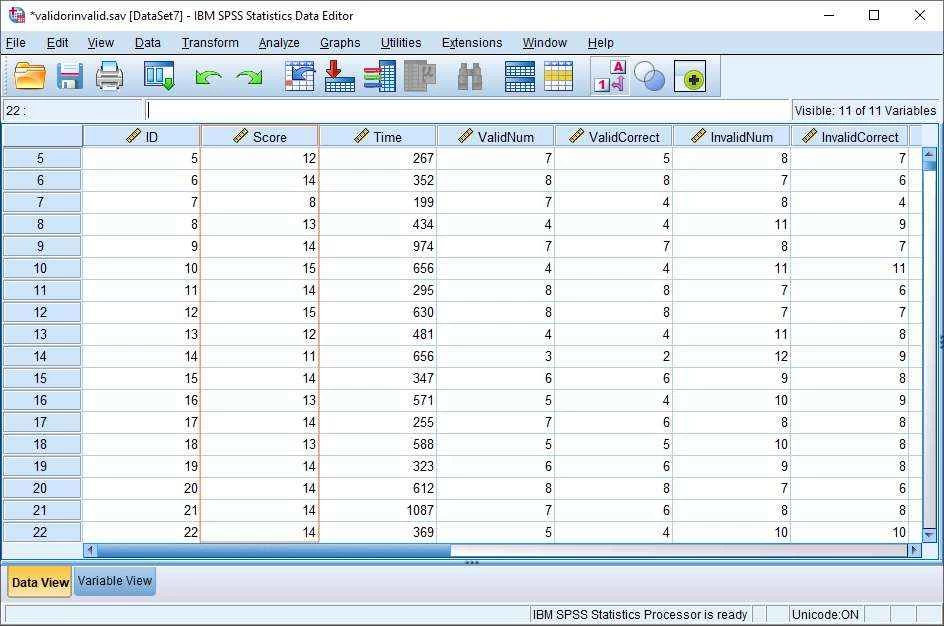
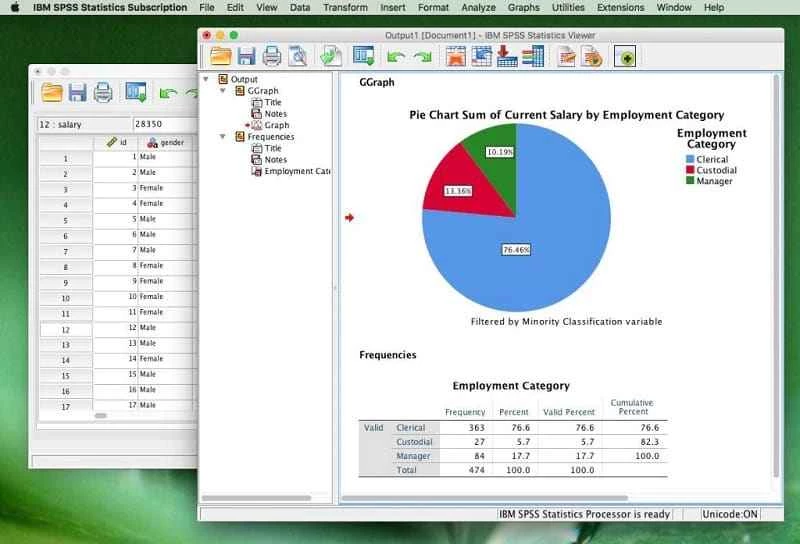
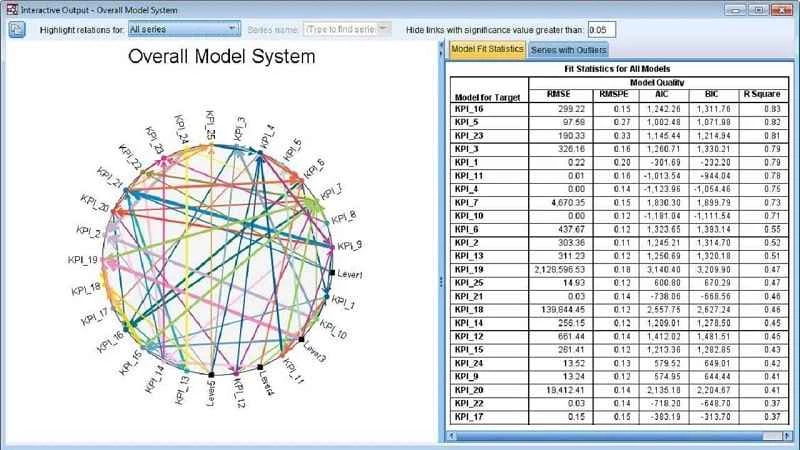
IBM SPSS Statistics 32.0.0.0 is a statistical software package from IBM for Windows, used for data analysis in research, universities and business. You can download SPSS Statistics for Windows as a trial from IBM's site and continue with a paid licence or subscription.
| Item | Details |
|---|---|
| Version | 32.0.0.0 |
| Developer | IBM; originally created by Norman H. Nie, C. Hadlai Hull and Dale H. Bent |
| First version | 1968 |
| Type | Statistical package |
| Systems | Windows, macOS, Red Hat Enterprise Linux |
| Platform | x86-64, Java virtual machine |
| Licence | Proprietary, trial available |
| Size | about 909.72 MB according to catalogue data |
SPSS started in 1968 as a tool for social scientists, and that origin still shapes it. Data is shown in a spreadsheet-like grid, variables get names, labels and value codes, and most analyses are run from menus rather than by writing code. That makes SPSS approachable for students of psychology, sociology, medicine or marketing who need descriptive statistics, cross-tabulations, t-tests, regression or factor analysis without learning a programming language first. Behind the menus, every action can be saved as syntax, so an analysis can be repeated exactly on new data, which matters for theses and published research. The output viewer collects tables and charts in one document that can be exported for a report. Many universities teach statistics with SPSS, which is often the main reason people need it: a course, a supervisor or a company workflow expects SPSS files.
SPSS runs on 64-bit Windows. IBM lists exact hardware requirements for each release on its support site; large data files benefit from plenty of memory.
SPSS Statistics is paid software. IBM offers a free trial, subscriptions and campus licences; students often get access through their university, so ask there before buying.
Download only from IBM or your university's software portal. Cracked SPSS installers are widespread and a common source of malware, and they also put your research data at risk.
Define variable labels and value codes before entering data; it saves time when reading output later. Paste each analysis into a syntax file instead of only clicking through menus, so you can rerun it after correcting the data. Keep raw data and cleaned data in separate files.
For lighter data work, our site lists Google Sheets and LibreOffice, which handle basic statistics in spreadsheets.
Microsoft Word is Microsoft's word processor and part of Microsoft 365. This page explains who it suits and how to get it on Windows.

Microsoft Office 2010 is an office suite for Windows released in 2010; Microsoft ended its support on 13 October 2020 and recommends Microsoft 365.

Microsoft Office 2019 is a one-time purchase edition of Microsoft's office suite for Windows 10 and macOS, released in September 2018.

Adobe Reader XI (11) is an older version of Adobe's free PDF viewer for Windows; its support ended in October 2017 and Adobe Acrobat Reader is the successor.

Adobe Acrobat Reader is Adobe's free Windows application for opening, reading, printing and commenting on PDF documents.

iLovePDF Desktop is the Windows app of the iLovePDF service: merge, split, compress, convert and edit PDF files on your PC without uploading them.

Microsoft Excel is Microsoft's spreadsheet program for calculations, tables and data analysis. Build 16.0.19725.20152 is a current Windows release.

Microsoft Office 2007 is a Windows office suite released in 2007; its support ended on 10 October 2017, and Microsoft recommends Microsoft 365.